
The Manifesto
Infrastructure is a strategic asset, not a rented service. The cloud sold convenience and most teams bought dependence. Self-hosting is the conscious choice to take that dependence back. Four pillars guide how we build production systems.
Control
Your data does not leave the building unless you ship it. Your keys do not live in someone else's KMS. When a regulator or auditor asks where something lives, the answer is a sentence, not a 40-slide diagram. Control is also the prerequisite for the other three: without it, a counterparty can take autonomy, cost discipline, and optionality away from you on a Tuesday.
Autonomy
No vendor cliff. No pricing update effective next month. No 18-month deprecation notice. Every dependency you accept narrows the decisions you can still make alone; every one you remove widens them. A team running its own CI, logs, Git, and deploys can change its mind about geographies, partners, and products. A team on managed services has its options defined by someone else's board meeting.
Cost
Renting forever is the most expensive way to run a stable workload. Hardware depreciates once; subscriptions compound. Cost is also the opportunity cost of fighting platform limits and the tax of staying compliant with a tool that outgrew its purpose. Self-hosting consolidates all of it into one number you can see and improve. The figures are further down; the principle is predictable and capped.
Strategy
Self-hosting keeps three things inside the business: skills, because operators learn the systems they touch; optionality, because nothing is locked behind a contract you cannot exit; resilience, because production is not gated by submarine cables or a hyperscaler's region choices. An early company can rent everything and move fast. A growing one that rents everything finds its strategic surface belongs to its providers.
Who Should Self-Host?
The manifesto is universal. The application is not. Use the lists below as a quick filter before the technical chapters.
Self-hosting fits when
- Workloads are predictable: builds, internal services, line-of-business apps, scheduled pipelines
- Data sovereignty or regulator pressure makes physical control non-negotiable
- The team has, or wants to grow, real infrastructure skills
- Cost stability matters more than elastic burst capacity
- Latency to hyperscalers is a tax where you operate
Stick with cloud when
- You are early-stage and the product itself is the experiment
- You truly need multi-region from day one (most do not)
- You cannot hire or grow operators and have no appetite to try
- Workload is genuinely bursty: a quarterly batch, a seasonal spike
The pattern we see working: self-hosted for the steady core, cloud for the experimental edge. Most of the bill, most of the data, and most of the operational pain lives on the steady core. Owning it is where the leverage is.
Why This Matters for AI
AI does not run on a clever model alone. It runs on your data, and it needs that data continuously, not once. Every assistant, every agent, every retrieval pipeline is only as good as the corpus it can reach: your tickets, your wiki, your logs, your code, your history.
If that data lives in someone else's SaaS, your AI future is rented too. You get whatever API, rate limit, and export format the vendor decides, and you help train their model on the way. When you host the data, you have privileged and durable access to it. You point a model at it on your terms, build the integrations you need, and keep doing it as models change. The data stays; the model is swappable.
A concrete example. Because we self-host Redmine, we built a Redmine MCP server. Our internal assistants read and update projects, issues, and time entries directly, behind our own authentication and audit, with nothing leaving the building. That integration exists because we own the system on both ends. On a hosted tracker we would be waiting for a vendor to ship it, or doing without.
This is the compounding edge inside the strategy pillar. Owning your data today is what makes the AI you build on it tomorrow yours, not a feature someone else can price, throttle, or deprecate.
Deep dive:the Redmine MCP server we built.
From manifesto to migration
The rest of this page is the practical stack we use to honor the four pillars. Happy to talk through how it applies to your environment.
Talk to our engineering teamThe Stack We Run
Every component below is open source, self-hosted, and chosen to honor the four pillars. Each solves a specific problem with no vendor relationship attached.

Source and delivery
- ForgejoGit hosting and code review
- WoodpeckerCI/CD pipelines
- KamalContainerized deploys at scale
- CoolifyHeroku-style PaaS for simpler deploys
Observability
- OpenObserveLogs, metrics, traces, SIEM backend
- GlitchTipError and crash tracking
- MonitService supervision and restarts
- GatusUptime checks and status page
- ntfy.shPush notifications and alerts
Network and access
- HAProxyLoad balancer and reverse proxy
- HeadscaleSelf-hosted mesh VPN control server
- BlockyDNS with ad and tracker blocking
- KeycloakIdentity, SSO, and OAuth
- VaultwardenPassword and secret vault
AI
- llama.cppLocal LLM inference
- Open WebUIChat UI for local models
- NanobotMCP agent runtime
Data and automation
- KestraWorkflow and data orchestration
- Node-REDFlow-based automation
- MetabaseBI dashboards and analytics
- PocketBaseApp backend: DB, auth, API
- DatabasusAutomated database backups
Knowledge and collaboration
- OutlineTeam wiki and knowledge base
- GhostBlog and publishing
- RedmineProject and issue tracking
- CampfireTeam chat, once.com
Deep dives:Woodpecker Vs Github Actions,Why we chose Woodpecker CI,the 5 stages of monitoring,a local-LLM meeting machine.
Hardware Strategy
Enterprise hardware is a trap: redundant power supplies, hot-swap drives, five-year warranties, approved hardware lists maintained by people who have never logged into a server. We split hardware by the job it does, and each side is cheap, understood, and replaceable.
Firepower: commodity mini PCs
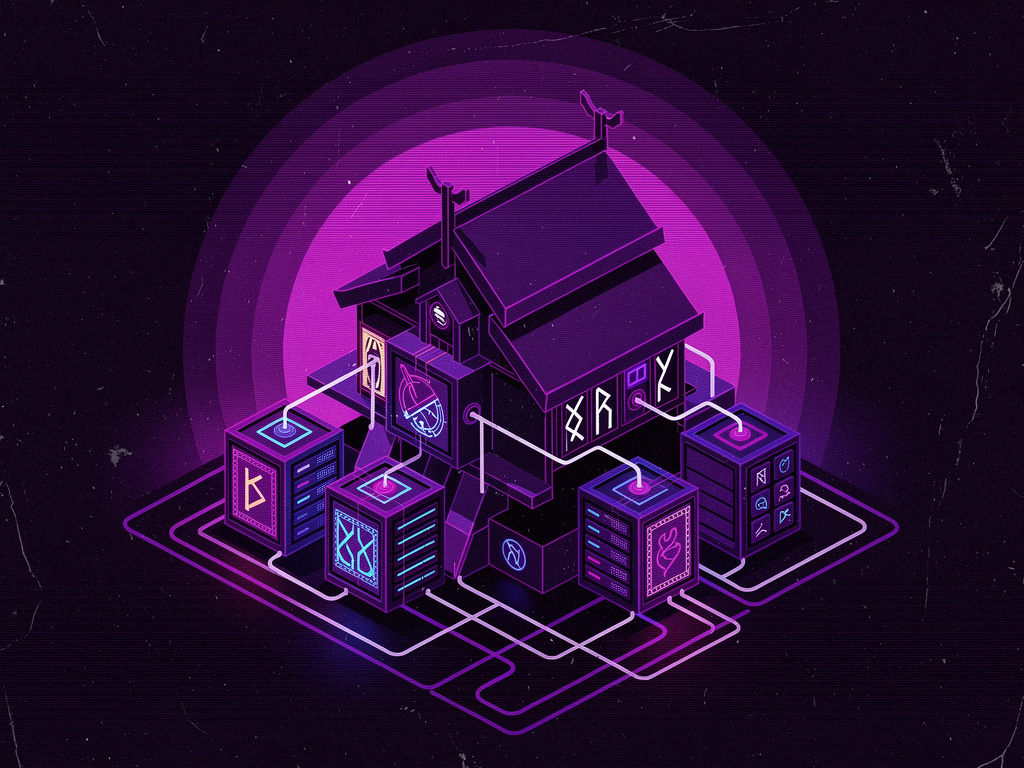
Compute is stateless and disposable. Our default is 4x Beelink SER5 mini PCs (AMD Ryzen 7 6800H, 32GB RAM, 2TB NVMe), roughly $1,300 total, in a GeeekPi 8U cabinet. One master node runs orchestration and the cache layer; the rest are pure compute. A dead box is reimaged from a spare in five minutes, CARP picks up failover, no RMA and no vendor call.
Storage: a FreeBSD rack server
State lives on a rackspace server running FreeBSD on ZFS. No hardware RAID card, on purpose: ZFS wants raw disks, and a RAID controller hides the very errors ZFS exists to detect and repair. Redundancy, checksums, snapshots, and compression are the filesystem's job, not a card that fails silently and ships its own firmware bugs.
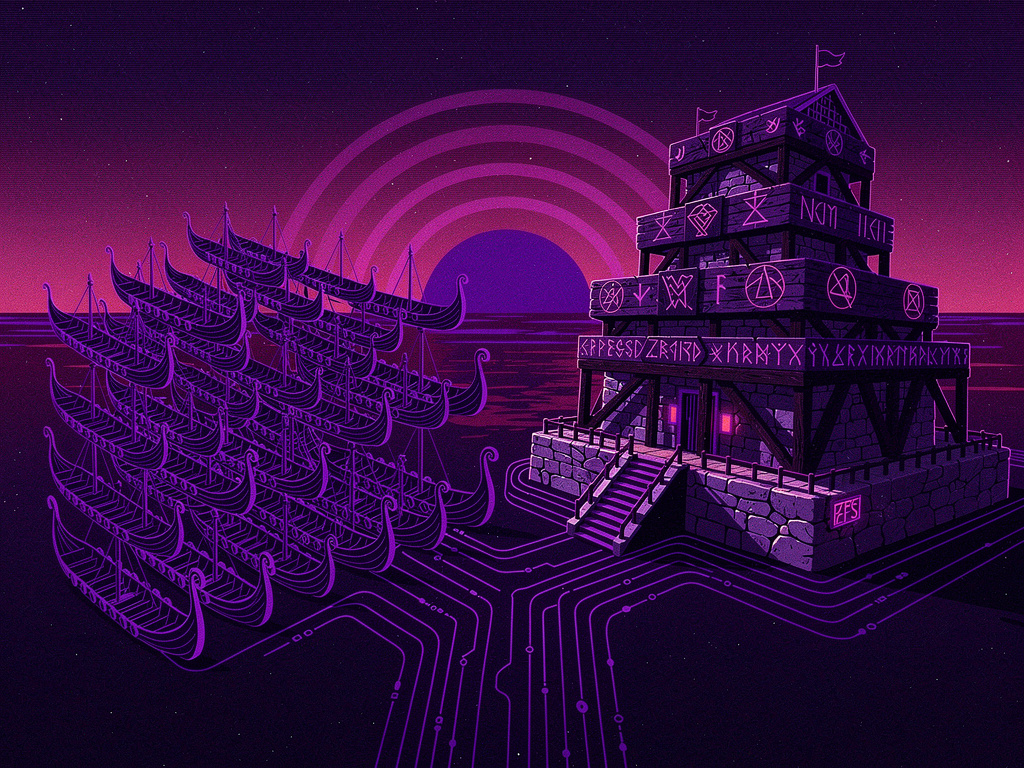
Replaceability over reliability. Enterprise hardware promises five nines, then makes you wait six weeks for an RMA. We take the opposite bet: assume everything fails, make replacement trivial, and let architecture (failover, ZFS, fast reimage) provide the uptime instead of a warranty card.
The mini PCs draw less power than one 1U enterprise box: about $15/month in electricity, under two square feet, negligible heat. An equivalent always-on AWS deployment runs $500+/month with no hardware to show for it after three years.
Operating System Strategy
We run exactly two operating systems in production: Alpine Linux for stateless workloads, FreeBSD for anything stateful. Everything else is excluded by default.
Alpine Linux is under 100MB, boots in under three seconds, uses musl libc, and refuses systemd. The killer feature is diskless mode: the OS runs from RAM with only the bits you choose persisted via lbu, so any rogue change or accidental rm is gone on reboot. A fully operational Docker host fits in 175 to 350MB of RAM. Use it for CI runners, container hosts, edge networking, cache proxies: cattle, not pets.
FreeBSD is what we reach for when data integrity or networking matter. ZFS gives copy-on-write, snapshots, and compression without a hardware controller. PF is a firewall a human can read. pkg with poudriere covers binary and custom builds. sysrc keeps configuration in one place that survives upgrades. Use it for storage nodes, load balancers, edge routers.
What we do not run: Debian and Ubuntu (backported into incoherence, plus auto-starting services we never asked for), RHEL and CentOS-likes (outdated packages, subscriptions, RPM), NixOS (learning curve costs more than it saves at our scale), anything with systemd by default, anything that ships snap or flatpak.
Measured outcomes from our migration:
- Storage footprint down 25 percent (ZFS compression, no useless packages)
- Known vulnerabilities down 50 percent (no systemd, minimal install)
- Maintenance time roughly halved (less magic, better tooling)
Deep dives:declarative Linux,our Linux/Unix journey.
Cost Comparison: 3-Year TCO
A mid-size team with stable CI/CD load, predictable compute, and reasonable data retention. The numbers are from a real migration we ran.
| Cost category | Cloud (GitHub Actions + AWS) | Self-Hosted (Woodpecker + bare metal) |
|---|---|---|
| Hardware and compute | $18,000 (3 years of runners) | $1,300 (one-time, 4x mini PCs) |
| Storage | $3,600 (S3, EBS) | $800 (local NVMe, one-time) |
| Data transfer | $2,400 (egress fees) | $0 (local network) |
| Electricity | $0 (in the cloud bill) | $540 ($15/month, 36 months) |
| Operations | $0 (outsourced, and the judgment) | ~$15,000 (0.2 FTE over 3 years) |
| Total (3 years) | $24,000 | $17,640 |
| Break-even | N/A | ~3 months |
The honest version: the $15K of operations is not lost. It is a person on your team learning your systems, instead of a vendor learning them for you. After three years you have hardware on a shelf, code in a repo, and operators who can debug an incident without filing a ticket.
Security: Process Over Compliance
Security is a never-ending process, not a validation step. Not a form for an insurer once a year, not an ISO certificate on the wall, not a WAF you bought because PCI 6.6 told you to. It is the boring, repetitive work of reading changelogs, patching servers, killing dead services, rotating credentials, and refusing the shortcuts everybody wants to take.
WAFs are mostly theater. They are either in log-only mode (useless), in blocking mode permissive enough to wave through a forged user agent (useless), or blocking legitimate traffic and generating support tickets (worse than useless). Every dollar on a WAF is a dollar not spent on code review, dependency scanning, SAST, DAST, or a good pentester. PCI 6.6 lets you choose. Code review is cheaper, more effective, and makes the product better.
Alert on what matters, log everything else. We only page on a successful attack or a credible indicator of one. Failed logins, denied packets, and scanner noise flow into OpenObserve, all queryable, none of it waking anyone. Train the team to read pages by making pages worth reading.
Deep dive:Security is a never-ending process.
Compliance Without Cosplay
Most teams treat compliance like a sacred text, citing ISO 27001, PCI DSS, and SOC 2 as if carved in stone, then refusing reasonable changes because "the auditor would never accept that". Read the standards instead. They contain risk-based logic and emergency clauses. They are frameworks, not laws.
The right answer to "show us your asset inventory" is a query against Jinn, not a spreadsheet last accurate in 2023. To "show us your patch SLA," a chart from OpenObserve. To "who has admin access," the output of a PyInfra script. When you own the inventory, the deploy pipeline, and the logs, every audit artifact is one query away. The team that automates compliance ships fast and passes audits. The team that types it into Word twice a year does neither.
Deep dive:Compliance standards are not carved in stone.
Operating Principles
The four pillars set direction. These principles are how the work gets done day to day, and they are what survived a decade of pulling things out of production.
- Simple tools, deep understanding. A FreeBSD box with pf, configured by an operator who reads the logs every week, outperforms a misconfigured $200K firewall stack. Simple tools fully understood beat complex tools half understood, every time.
- Security engineers must code. Attackers write code; their payloads and C2 are code. A defender whose main output is a quarterly slide deck is not on equal footing.
- Skills over certifications. Every SaaS tile quietly erodes the skills the industry was built on. Running your own infrastructure puts them back: how containers actually work, networking, storage performance, capacity planning, real hardening. These do not get deprecated next version.
- AI as tool, not crutch. Use it for log triage, anomaly summaries, detection rules, and postmortems. Do not trust it blindly, and do not let the team forget how to work without it. We run Qwen locally on a single GPU: transcripts stay in the building, cost is fixed, latency predictable.
Deep dive:DevOps in 2025: the pauperization machine.
The Honest Trade-offs
Self-hosting is not all sunshine. Pretending otherwise is how teams get sold the next round of managed services.
- You are the support team now. When something breaks at 11 PM, there is no ticket and no five-day SLA. You fix it. For some teams that is the point; for others it is terrifying. Both reactions are valid signals.
- Updates are your responsibility. Read the changelog, test in staging, deploy. With Coolify or Kamal and PyInfra this is mostly painless, but it is still work.
- Initial setup takes time. About two weeks to get runners, registry, cache, monitoring, alerting, and deploys clean. Two weeks once, instead of fighting a vendor forever.
- You need actual skills. Linux, networking, containers, sysadmin. If the team reflex is "restart the pod", that is a hiring problem to solve first.
- Hardware fails. Architecture and spare boxes handle this. A vendor warranty does not.
- Internet outages affect you differently. Local builds keep running; cloud builds wait for the link. Depending on where you operate, a win or a wash.
Best Practices
What actually works in production, after running this stack across multiple clients:
- Start small, show wins. Monit in week one, centralized logs in month one, traces in quarter one. Each step earns the next.
- Log everything, alert on what matters. Storage is cheap, attention is not. Years of logs, zero pages for noise.
- Automate everything you can debug. If you cannot explain an automation at 3 AM, it owns you. Write code you can reason about under stress.
- Keep it boring. Fewer moving parts, fewer 2 AM failures. Unix boxes, code that deploys to them, a small number of tools you understand top to bottom.
- Measure p99, not average. Users remember slow requests, not fast ones.
- Fail loud. When retrieval misses or a dependency is unreachable, say so. Do not paper over it.
- Match architecture to actual load. Most teams do not need a service mesh. Add complexity when failure data demands it, not before.
Common objections we hear
"It is too expensive." Compared to the last outage or the next price hike, it usually is not. Most clients break even inside the first year.
"We do not have time." The time goes somewhere. Today it fights someone else's tooling. We have measured 10 to 15 hours a week recovered on mid-size teams.
"The cloud handles it." Cloud providers monitor their infrastructure, not your code, data, or business logic. The shared-responsibility model puts the parts that matter on you.
"Developers will resist." The most common post-migration feedback is "why did we not do this sooner?".
FAQ
What is self-hosted production?
Running the services your business depends on, on hardware and software you control end to end. Data, compute, deploy pipeline, logs, and configuration all live on infrastructure you own, not rented from a cloud provider or SaaS vendor.
Is self-hosting cheaper than cloud?
For stable, predictable workloads, yes. Our 3-year TCO for a mid-size team comes out around 25 percent lower than the equivalent GitHub Actions plus AWS setup, break-even in roughly three months. It is not cheaper for bursty or experimental workloads.
What is a good self-hosted alternative to GitHub Actions?
Woodpecker CI paired with Forgejo for Git hosting. Woodpecker is Apache 2.0, community-driven, with YAML pipelines you can actually read. Average build time after migration dropped from 13 minutes to under 3.
Should I use Coolify or Kamal?
Pick one by scale and team preference. Coolify is a Heroku-style platform with a UI, right for simpler and smaller environments. Kamal is CLI-first, code-defined, from 37signals, for at-scale production where the deploy flow lives in version control. We do not run both on the same target.
Do I need Kubernetes to self-host production workloads?
No. Most teams do not. We run Alpine and FreeBSD on commodity hardware, with Coolify, Kamal, and PyInfra. Kubernetes fits a narrow set of problems and most workloads we see are not in it.
Is self-hosted infrastructure more secure than cloud?
Security depends on the competence of the people running the system, not the location of the servers. Self-hosting forces you to understand your own stack, usually a security upgrade. Cloud security is only as good as how well you configured the cloud.
How do you handle disaster recovery?
Spare identical hardware on a shelf, configuration in a Git repo, deploys automated by PyInfra plus Coolify or Kamal, ZFS snapshots for stateful nodes. A failed mini PC is replaced in about five minutes by running the same deploy that built the original.
Does self-hosting help with ISO 27001, SOC 2, or PCI DSS?
Yes. When you own the inventory, the deploy pipeline, and the logs, every audit artifact is one query away. We generate asset inventories from Jinn, patch SLAs from OpenObserve, access lists from PyInfra. Auditors prefer real evidence to maintained spreadsheets.
What hardware do you recommend?
Four Beelink SER5 mini PCs (AMD Ryzen 7 6800H, 32GB RAM, 2TB NVMe each) for compute, plus a FreeBSD rack server on ZFS for storage, about $1,300 for the mini PCs. One master node runs orchestration and the cache layer, the rest are pure compute.
Ready to own your stack?
We design and operate production-grade self-hosted systems for teams that want control, autonomy, predictable cost, and strategic optionality. Hardware, OS strategy, CI/CD, observability, security, and the slow boring work afterwards.
Talk to us about your infrastructure